Staying on top of client work, creative flow, and all the behind-the-scenes tasks of freelancing can get overwhelming. You know the feeling—when writing is the easy part and everything else eats up your day.
You sit down to write, and you’re already behind. The blog post outline isn’t clicking. Your inbox needs replies. You haven’t even looked at the edits on that website draft. Meanwhile, your coffee’s cold, and you’re still staring at a blinking cursor.
That was me, until I started relying on a few key tools. Not a long list. Just five that actually help me work faster, stay organized, and deliver better content to my clients.
Here’s what I use in my business every week—and why they might help you too.
1. Grammarly
Grammarly helps me clean up my writing without second-guessing every comma. I don’t treat it like a crutch. It’s more of a second set of eyes, especially when I’m working on a tight deadline.
It’s especially helpful when switching between writing styles. Blog post? Keep it conversational. Executive bio? Make it sharp but warm. Grammarly helps me shift gears and polish the final result. Try Grammarly
2. KIT (formerly ConvertKit)
I use KIT to manage my newsletter, Just Clarabela. It’s intuitive and gives me flexibility without feeling overly techy. I can tag subscribers by interest, set up welcome emails, and write in my own voice without digging through complicated menus.
It’s especially great if you write for a niche audience and want your emails to sound like you, not a template.
3. HoneyBook
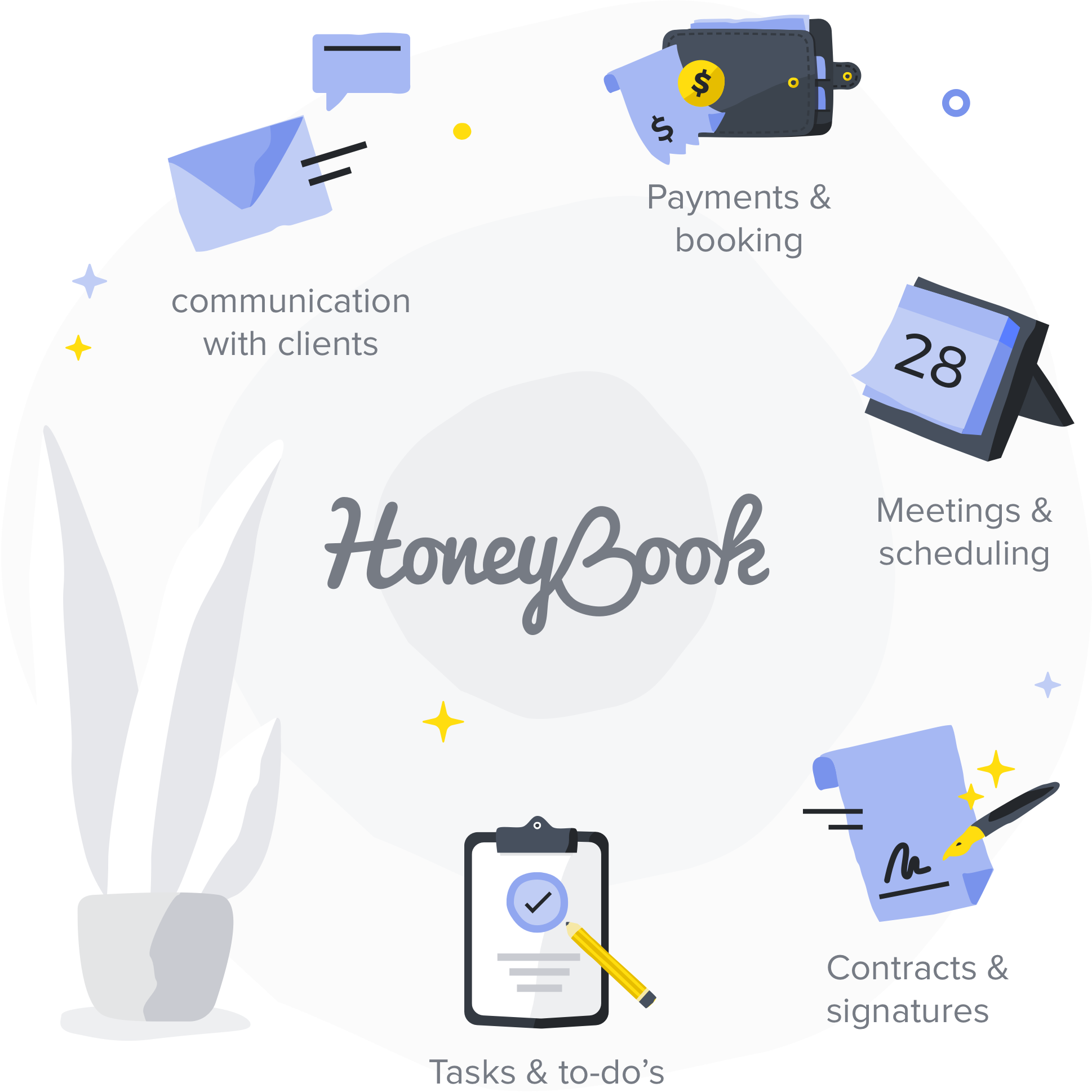
Being a freelance copywriter means juggling a lot of balls in the air. Keeping track of client communicatons, project timelines, invocies and the list goes on. I use a CRM called HoneyBook to help me manage my workflow, stay organized, and prevent anything from slipping through the cracks.
Frrom the first project inquiry to the proposal, content brief questionaire to the service agreement and invoice. HoneyBook is part of my work process.
4. Squarespace
I built my first website using WordPress and have used it for client work, too. It’s reliable, easy to update, and gives your work the professional polish it deserves, even if you’re not into code. I want to spend my value time writing content for my clients and not updating plugins and themes on my website.
So, like most creative people, I wanted to try something new. Tfter encouragement from my (non-techie) artist friend and seeing many other creators like Latasha James achieve great results, I decided to try Squarespace.
5. Google Workspace – For Collaboration and File Management
Google Docs is my go-to for writing and collaboration. Most clients prefer to review and leave comments directly in Docs, which makes revisions smoother and faster. I also use Google Drive to organize all my content by client and project, and Google Calendar keeps me on track for meetings, deadlines, and check-ins.
What is Google Workspace? It is a cloud-based productivity suite that helps teams communicate, collaborate, and get things done from anywhere and on any device. It's simple to set up, use, and manage, so your business can focus on what really matters. Watch a video or find out more here.
Here are some highlights:
Business email for your domain: Look professional and communicate as you@yourcompany.com. Gmail's simple features help you build your brand while getting more done.
Access from any location or device: Check emails, share files, edit documents, hold video meetings, and more, whether you're at work, at home, or on the move. You can pick up where you left off from a computer, tablet, or phone.
Enterprise-level management tools: Robust admin settings give you full control over users, devices, security,, and more.
It’s not fancy, but it’s free, flexible, and effective.
Sign up using my special link and get a 14-day trial, and message me to get an exclusive discount when you try Google Workspace for your business.
6. Zoom – For Meetings That Actually Feel Productive
While most of my communication happens through email, I use Zoom for client calls, project kickoffs, and occasional brainstorm sessions.
Before the Pandemic, I used WebEx, Google Meet, and other video conferencing programs, but Zoom became the video conferencing tool of choice for many people. It’s reliable, easy to schedule, and works whether I’m meeting with one person or a full team.
I believe a quick conversation clears things up faster than a five-paragraph email. Zoom makes that possible without unnecessary tech headaches. So, I like to keep my meetings short and focused.
Tools and Resources I Use in My Workflow
These tools and resources each play different roles in my writing process and workflow, but together they help me run my business with less stress and greater consistency. I don’t need a dozen different systems, just the right ones that work for how I write and work with clients.
They don’t do the work for me, but they make the work easier. They help me focus on what I do best, writing the best possible content for my clients, without getting bogged down in the rest.
*Affiliate Disclosure: This page contains affiliate advertising and links, which means if you purchase these items or services, I will receive a small commission